BrowserKit is the web browser inside Deskkit. Tabs, themes, and a private AI that lives right in the toolbar, so it can explain, summarize, and study any page with you. Nothing leaves your computer.
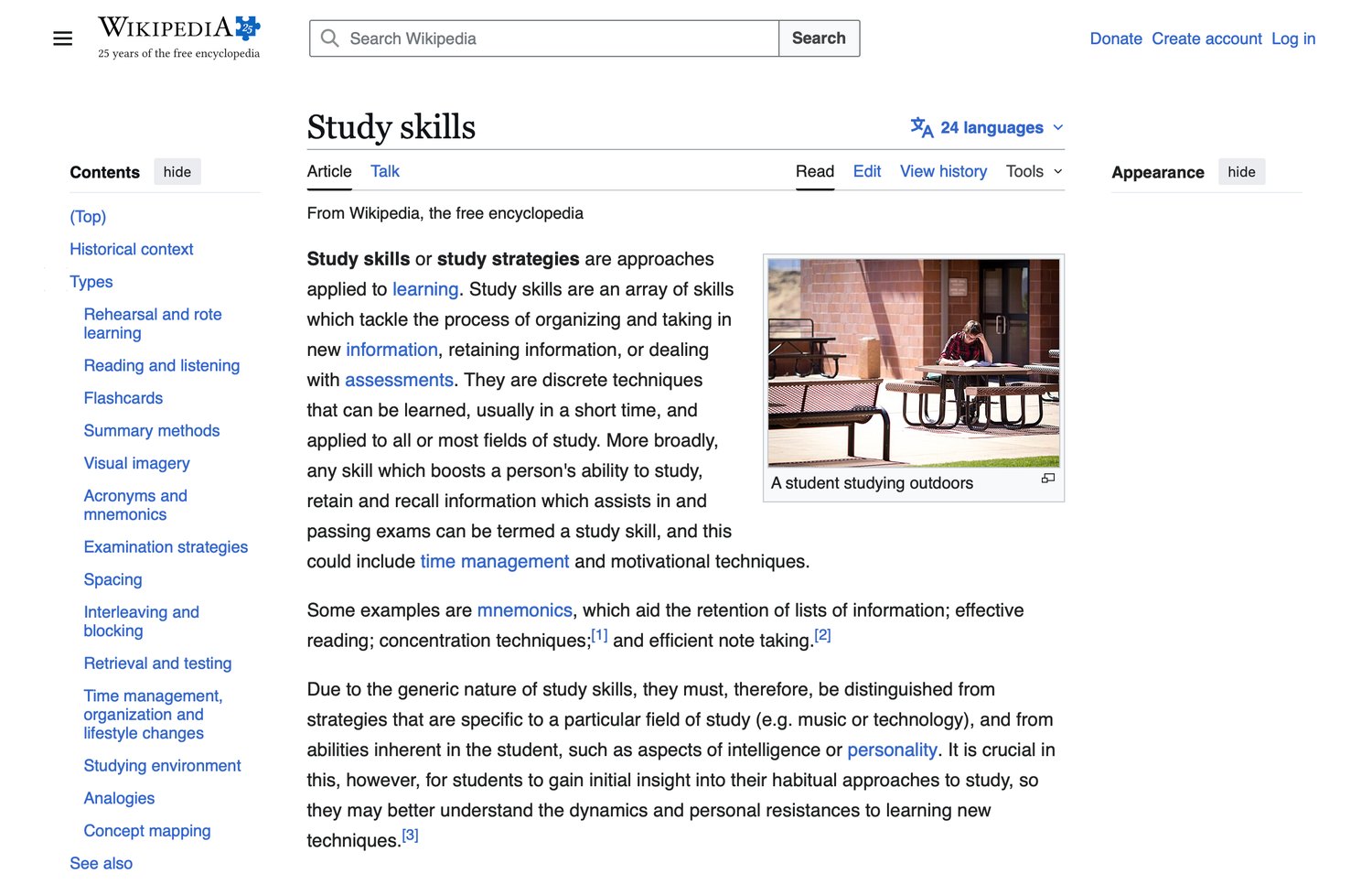
BrowserKit on a real page, with every tool one click away in the toolbar.
The toolbar does the reading for you
Every button runs on a private AI that lives on your own machine. No account, no API key, no page ever sent to a server.
Ask this page
Open a side chat that has already read the page. Ask for the main point, a plain-English explanation, or whether a source holds up.
Summarize
Turn a long article into the key points and a one-line takeaway, so you can decide if it is worth your time.
Page to deck
One click turns whatever you are reading into a set of flashcards, saved straight into your Deskkit Flashcards.
Reader mode
Strip a cluttered page down to clean, readable text. No ads, no sidebars, no pop-ups fighting for your eyes.
Read aloud
Have the page read to you out loud, so you can rest your eyes or keep moving while you listen.
Focus Guard
Start a focus session and the time-sink sites get a gentle "are you sure?" gate until you are done.
Browsing Memory
BrowserKit quietly remembers what you read, so weeks later you can search your own history by topic and find it.
Private by default
The AI runs on your computer. Ads and trackers are blocked across every site, with nothing logged or sold.
Highlight to save
Select any text and save it as a flashcard, or ask the AI to explain just that part, right where you are reading.
A real AI, running on your own computer
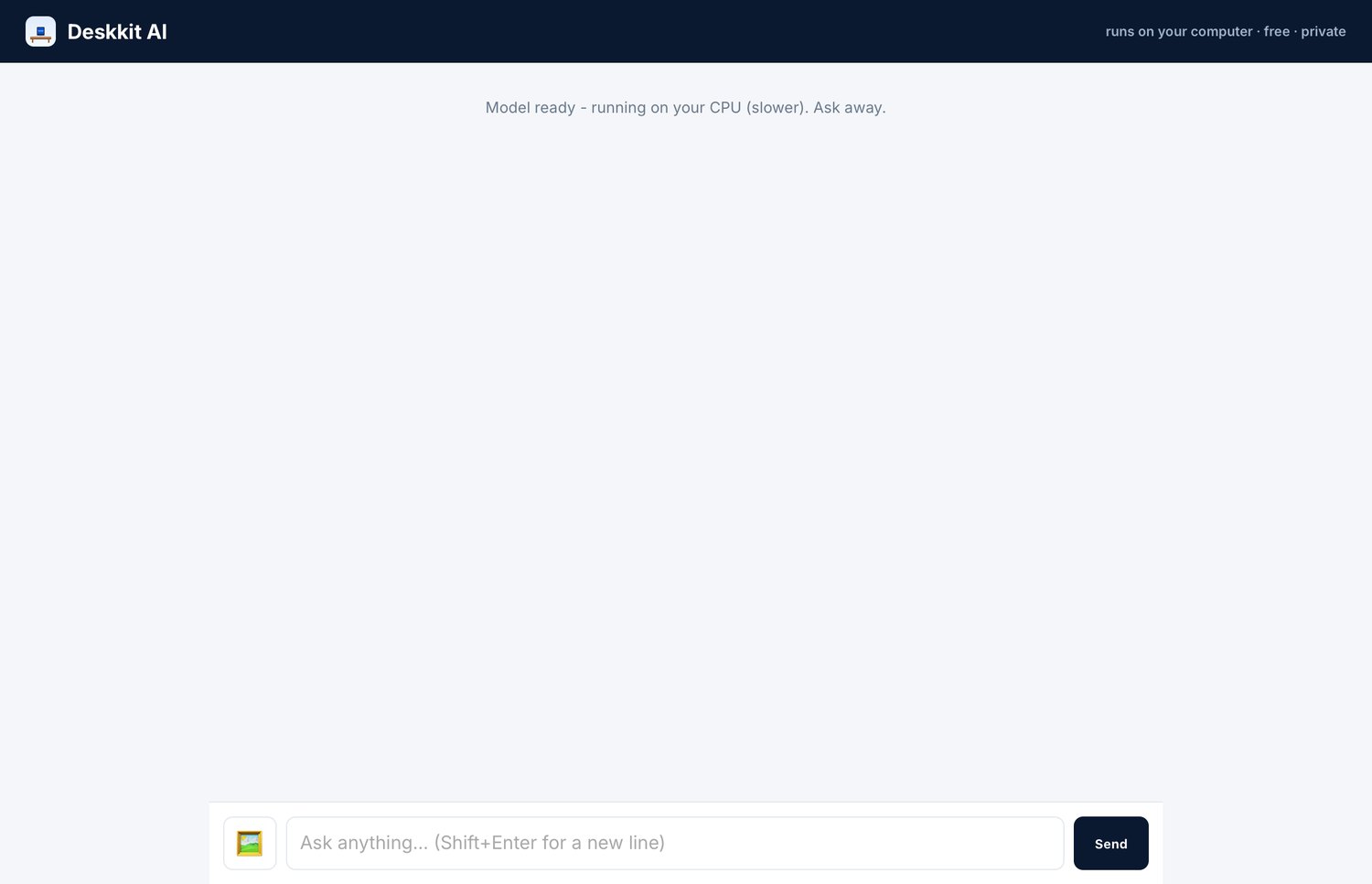
BrowserKit ships with a free local AI. The model downloads once and then answers entirely offline, on your processor. Your questions and the pages you read never leave the machine.
✓No account, no API key, no bill. Free, forever.
✓Private. Nothing you type is sent anywhere.
✓Upload an image and it reads the text inside (great for homework photos).
Your own start page
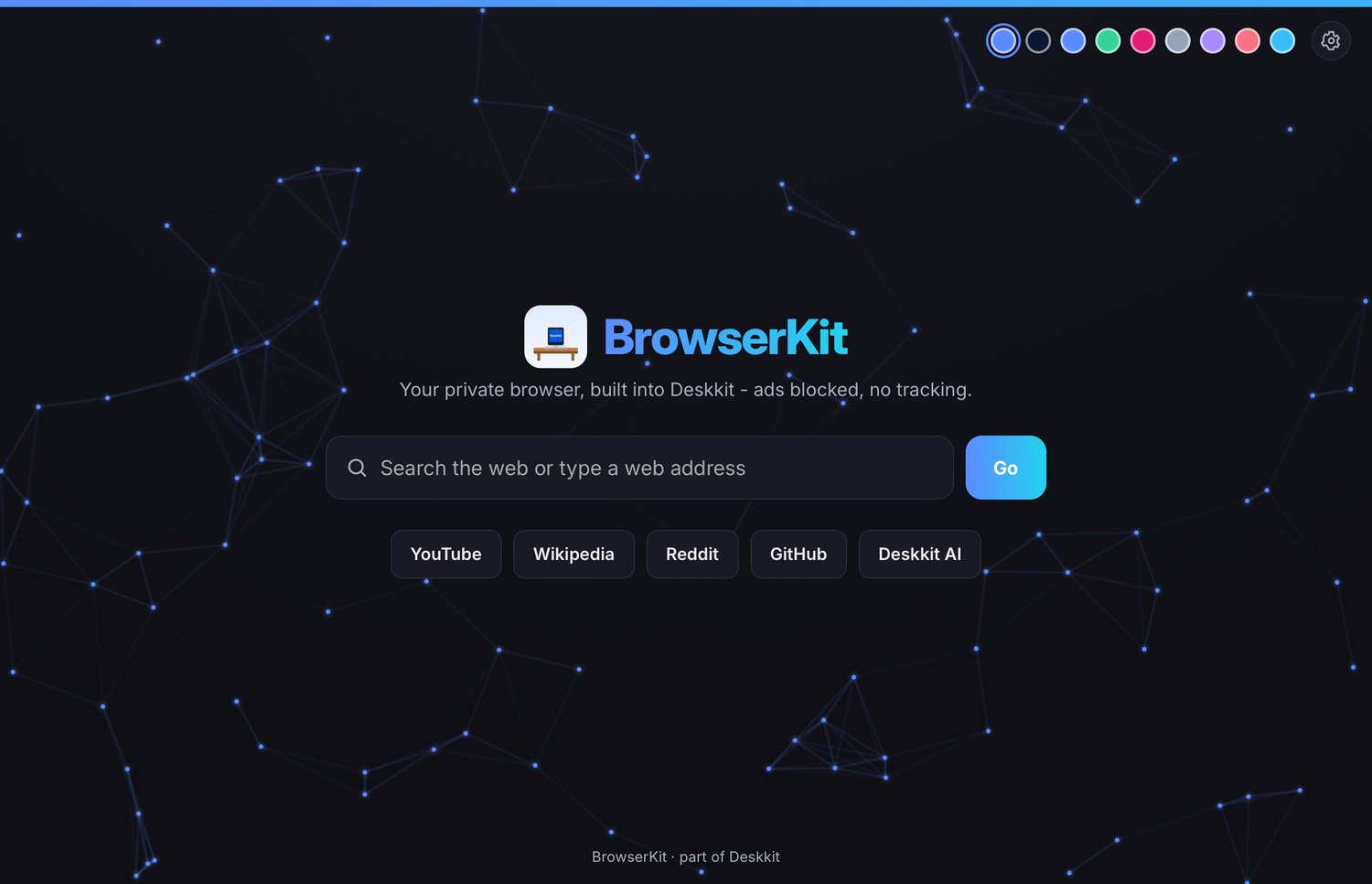
Every new tab opens to a calm, animated start page with quick tiles, a search bar that goes straight to the web, and a set of themes you can switch on a whim.
✓Tabs and back, forward, reload, home, just like you expect.
✓Themes you can change any time.
✓Ad and pop-up blocking built in on every site.
BrowserKit comes with Deskkit
It is one of the tools inside Deskkit, the free desktop kit for students. Grab Deskkit and BrowserKit is already there.